How to Access Your Account
Complete guide to the Xcodes login process — how to get your credentials and start streaming on any device in under 5 minutes.
💬 Get Login CredentialsWhat is the Xcodes Login?
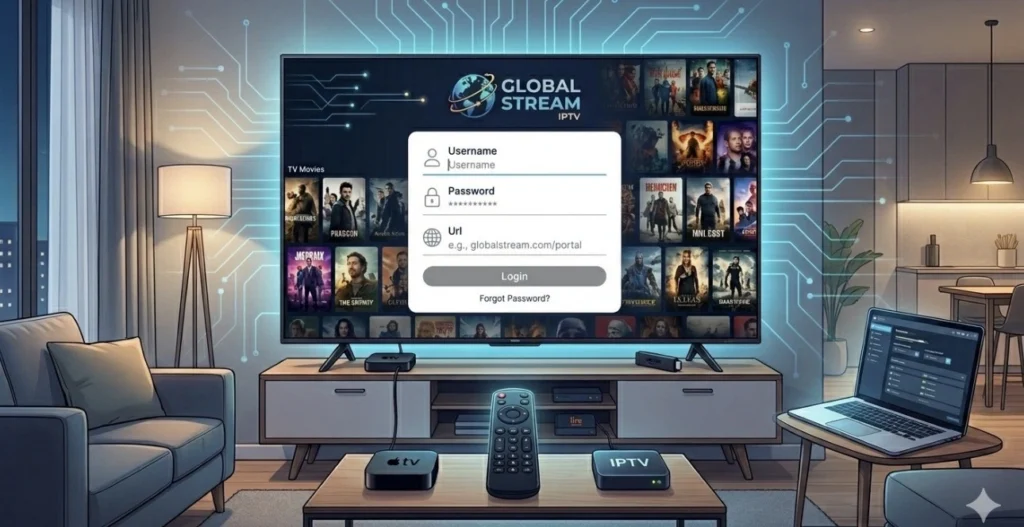
Your personal access credentials to the Xcodes IPTV service — a username, password and server URL (or Xtream Codes) that you enter into your IPTV player app to start streaming 48,000+ channels in 4K.
Unlike traditional TV services, there is no website login page. Your credentials are entered directly into your preferred IPTV app — TiviMate, IPTV Smarters, or any other compatible player — and your channels load instantly.
How to get your credentials: Simply subscribe to Xcodes IPTV via WhatsApp and your login credentials (M3U URL or Xtream Codes) are sent to you within minutes of payment. Instant activation, no waiting.
How to Get Your Login Credentials
Getting started is simple and takes under 5 minutes:
Message on WhatsApp
Contact us on WhatsApp to confirm your plan and receive payment details.
Complete Payment
Pay securely via PayPal, credit card or crypto — instant processing.
Receive Login
Your Xcodes login credentials are sent via WhatsApp within minutes.
Start Streaming
Enter your credentials in your IPTV app — 48,000+ channels load instantly.
Get Your Xcodes Login Now
Subscribe and receive your login credentials within minutes. Free trial available — no credit card.
💬 Get Credentials on WhatsAppHow to Use Your Credentials on Each Device
Your credentials work on every major device. Here is how to enter your credentials on each platform:
Firestick
Install TiviMate → Add Playlist → Enter M3U URL or Xtream Codes
Smart TV
Install IPTV Smarters → Add User → Enter your Xcodes login details
Android
Install TiviMate → Add Playlist → Paste your M3U URL or Xtream login
iPhone / iPad
Install IPTV Smarters from App Store → Add your Xcodes login credentials
Windows / Mac
Open VLC → Media → Open Network Stream → Paste your M3U URL
MAG Box
Go to Settings → Servers → Enter your Xcodes IPTV portal URL
Lost Your Account Credentials?
If you have lost or forgotten your credentials, contact us immediately on WhatsApp or Telegram. We resend your details within minutes — 24 hours a day, 7 days a week.
Our support team replies in under 4 minutes on average. Your account is always recoverable — just message us and we take care of the rest.
48,000+ channels. True 4K. Zero buffering.
Free trial 24h — credentials sent in minutes.